Is Pixelart.to useful during game jams?
Yes. It is designed for fast drafting, quick sprites, placeholders, and exportable PNG assets.
 pixelart.to
game jam pixel art editor
Pixelart.to is a fast browser-based editor for game jams, prototypes, and small game assets. Draw from a blank canvas or generate a starter sprite, clean it up manually, and export a PNG.
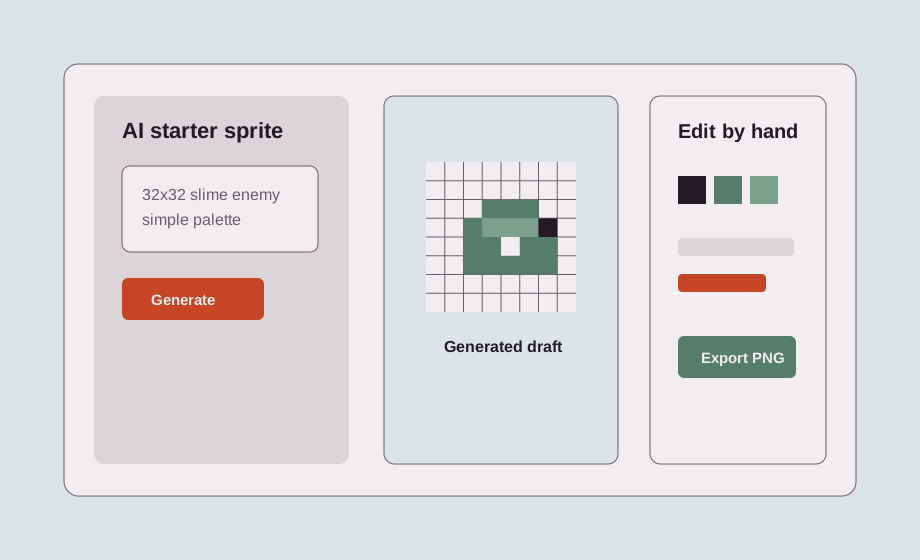
During a jam, the asset problem is usually time. Pixelart.to keeps the tool small so you can create readable placeholders, icons, characters, and enemies without installing a heavy editor.
Draw manually when you know what you need. Generate a starter sprite when you need a quick idea, then clean it up by hand so it fits your game.
Good jam assets include player characters, enemies, items, UI icons, pickups, tiles, title icons, and placeholders that help the build feel complete.
Use the browser workflow on desktop during development or on iPad when you want a quick sketching surface away from the desk.
Export transparent PNG files and bring them into Godot, Unity, web games, or your own pipeline without a separate export tool.
Yes. It is designed for fast drafting, quick sprites, placeholders, and exportable PNG assets.
Yes. It runs in the browser.
Yes. You can describe a small asset, generate a starter, and then edit it by hand.
Yes. Export PNG files and import them into your project.
Start with the editor, generate only when it helps, edit the pixels by hand, and export a transparent PNG.
Start a game-jam sprite