Does Pixelart.to work on iPad?
Yes. Pixelart.to runs in the browser and is designed to be usable on iPad.
 pixelart.to
ipad pixel art editor
Pixelart.to is a fast browser-based pixel-art editor for quick game assets, iPad sketching, Apple Pencil drawing, and AI starter sprites that can be edited by hand. Open it in Safari, pick a small canvas, and start drawing without installing a separate app.
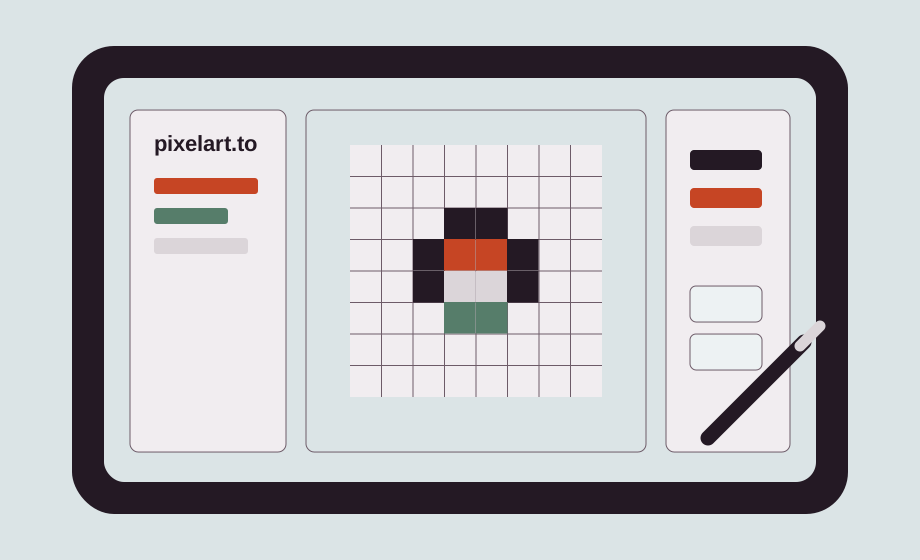
Pixelart.to keeps the first step short: open the site, choose a canvas size, and draw. The root page stays the editor, so an iPad user does not have to pass through a marketing screen before testing a brush stroke.
This is a browser sketchpad for fast sprites, icons, placeholders, and game assets. It is useful when you want to rough out an idea on the couch, in a meeting, or away from your desktop setup, then export the result and keep working elsewhere.
Use Apple Pencil for direct pixel placement and touch gestures for navigation where available. The workflow is meant to feel small and immediate: draw, zoom, adjust a palette, separate work onto layers, and clean up the pixels you care about.
Layers help separate a sketch from color, shadow, highlights, and cleanup. Palettes keep small sprites consistent. When the draft is ready, export a transparent PNG for a game engine, a prototype, or a professional editor.
For faster access, add Pixelart.to to the iPad Home Screen from Safari. It still runs in the browser, but the shortcut makes it easy to open a fresh 32x32 canvas whenever you want to sketch an asset.
Yes. Pixelart.to runs in the browser and is designed to be usable on iPad.
Yes. Pixelart.to is designed for Apple Pencil drawing on iPad.
No. Open Pixelart.to in Safari and start drawing from the browser.
Yes. You can export your artwork as a PNG, including transparent sprites.
No. Pixelart.to is a fast browser and iPad sketchpad. Export your work and continue in a professional editor later.
Start with the editor, generate only when it helps, edit the pixels by hand, and export a transparent PNG.
Start drawing on iPad