Why export sprites as transparent PNG?
Transparent PNG files are easy to import into game engines and place over different backgrounds.
 pixelart.to
transparent PNG sprite maker
Pixelart.to helps you create or generate a sprite, clean it up by hand, and export it with a transparent background for games, prototypes, and asset libraries.
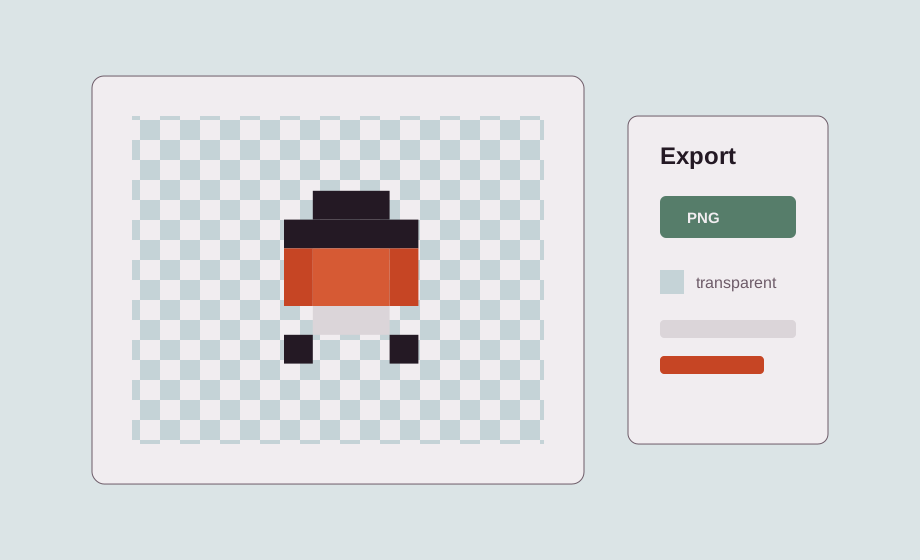
Transparent backgrounds let a sprite sit on top of any scene, tile, UI panel, or game object without a visible box around it.
PNG sprites are easy to import into Godot, Unity, web games, and custom tools. A transparent file is usually the simplest asset handoff for prototypes.
Start from a blank canvas when you know the shape, or generate an AI starter sprite when you want a quick draft to edit.
Edge cleanup is especially important for generated sprites. Remove stray background pixels, tighten the outline, and make sure the silhouette stays readable.
After cleanup, export a PNG and continue in your game engine, Aseprite, Photoshop, or another professional workflow.
Transparent PNG files are easy to import into game engines and place over different backgrounds.
The AI workflow is designed for background-removed or transparent assets where possible.
Yes. Manual cleanup is the key workflow.
Yes. Export the PNG and continue in a game engine or professional image editor.
Start with the editor, generate only when it helps, edit the pixels by hand, and export a transparent PNG.
Make a transparent sprite