Is Pixelart.to an online pixel-art editor?
Yes. It runs in the browser and lets you create pixel art online.
 pixelart.to
online pixel art editor
Pixelart.to is a lightweight online pixel-art editor for quick sprites, icons, and drafts. Open the app in your browser, draw by hand, generate a starter sprite when helpful, and export a PNG for the next step.
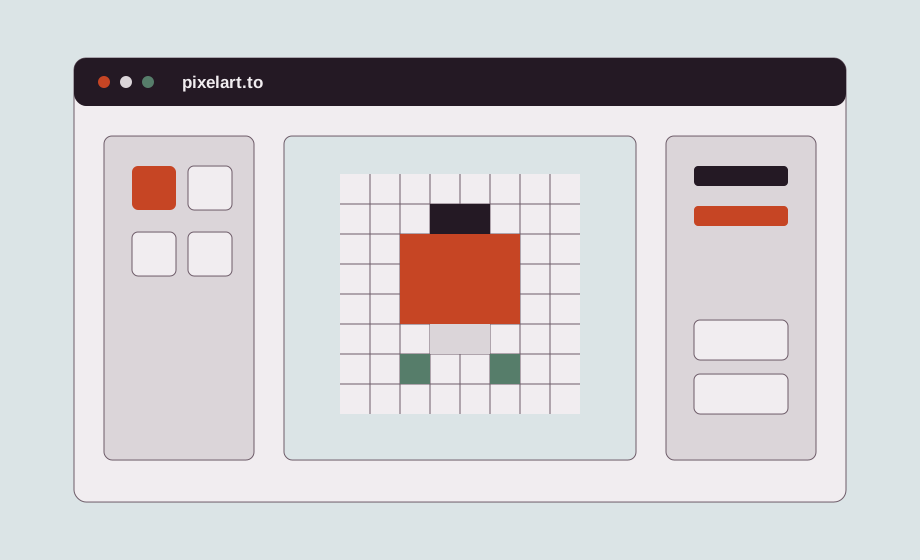
The editor loads directly at the root page, so you can start drawing without a landing-page gate. Pick a canvas size, place pixels, adjust colors, and keep the workflow moving from the first screen.
Pixelart.to is intentionally small. It works well for drafting sprites, icons, placeholders, and visual ideas when a full desktop setup would slow down the moment.
Use layers to separate rough sketching from color and cleanup. Palettes help keep sprites readable and consistent, especially when you are making multiple assets for the same prototype.
The browser-based workflow lets you draw on a desktop or iPad. That makes it useful for quick edits during a game jam, a commute, or any moment when you only need a focused pixel canvas.
When the sprite is ready, export it as a PNG. Transparent-background assets can move into game engines, other editors, or asset folders without a separate cleanup step.
Yes. It runs in the browser and lets you create pixel art online.
No. You can start drawing immediately. Accounts can be used later for saving projects when needed.
Yes. Pixelart.to is designed to work on iPad as well as desktop.
Yes. Exporting PNG sprites is a key workflow.
Start with the editor, generate only when it helps, edit the pixels by hand, and export a transparent PNG.
Open the editor