What is 16x16 pixel art good for?
16x16 is useful for tiny game icons, simple items, UI elements, and small sprites.
 pixelart.to
16x16 pixel art generator
Use Pixelart.to to draw or generate tiny 16x16 game assets. Start from a blank canvas or an AI starter, edit each pixel by hand, and export a transparent PNG.
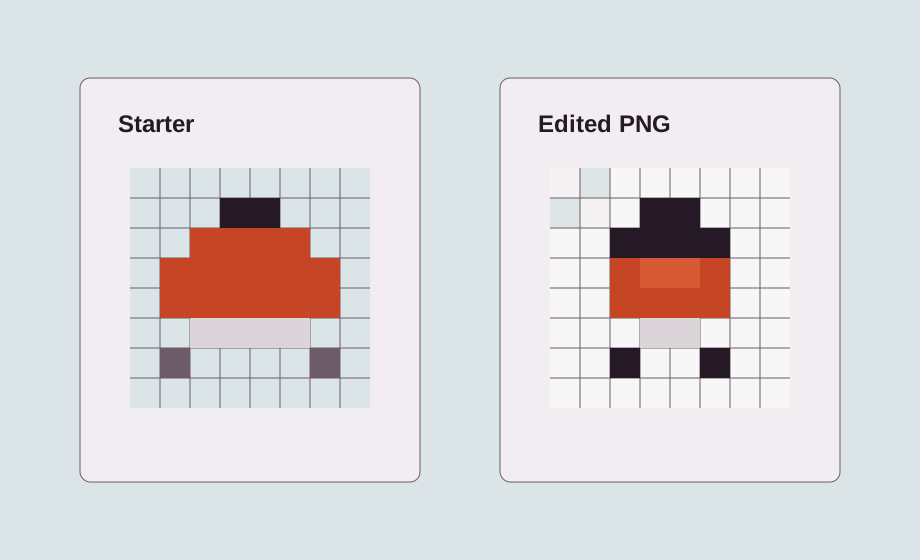
A 16x16 canvas is small, strict, and useful. It works best for tiny icons, inventory items, UI symbols, and simple sprites that need to read clearly at game scale.
Good 16x16 subjects include potions, coins, keys, hearts, swords, mana crystals, berries, buttons, badges, and very simple enemies.
You can prompt for a starter icon or begin with a blank canvas. In both cases, the important part is the hand edit: every pixel matters at this size.
At 16x16, cleanup is the artwork. Adjust the silhouette, remove visual noise, simplify the palette, and make sure the sprite remains readable.
Transparent PNG export makes the finished icon easy to import into a game project, UI mockup, or larger sprite sheet.
16x16 is useful for tiny game icons, simple items, UI elements, and small sprites.
Yes. Use the AI generator as a starter and then edit the sprite by hand.
Yes. Transparent PNG export is the recommended workflow for game assets.
Start with the editor, generate only when it helps, edit the pixels by hand, and export a transparent PNG.
Create a 16x16 sprite