What is 32x32 pixel art good for?
32x32 is useful for small characters, enemies, items, NPCs, and game-jam assets.
 pixelart.to
32x32 sprite generator
A 32x32 canvas is a practical size for small game sprites. Pixelart.to lets you generate a starter, draw from scratch, clean up pixels by hand, and export a transparent PNG.
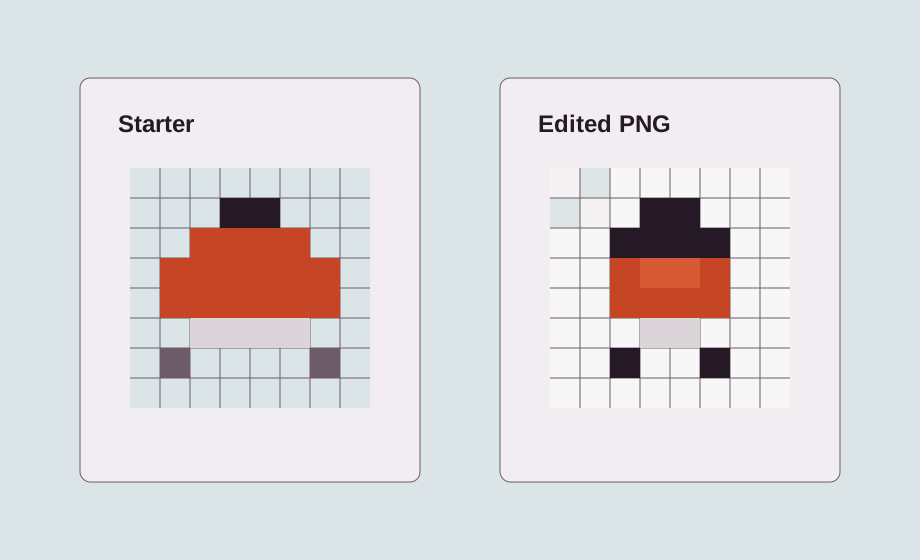
32x32 is large enough for readable characters and enemies but still small enough for fast manual editing. It is a useful default for game jams and prototypes.
Use 32x32 for front-facing characters, top-down enemies, treasure chests, NPCs, tools, spell icons, and small props.
Prompt for the rough asset you need, then use the generated result as a draft. It can help with shape and palette ideas when the blank canvas feels slow.
Manual cleanup turns a draft into a usable sprite. Tighten the outline, simplify clusters, remove stray pixels, and make sure the asset reads at the intended size.
Export the final sprite as a PNG with transparency, then import it into Godot, Unity, a web game, or another editor.
32x32 is useful for small characters, enemies, items, NPCs, and game-jam assets.
Yes. Generate a starter sprite, then edit it manually in the editor.
Yes. Export it as a PNG and import it into your game project.
Start with the editor, generate only when it helps, edit the pixels by hand, and export a transparent PNG.
Create a 32x32 sprite