Can I create pixel art with layers?
Yes. Pixelart.to supports a layered editing workflow.
 pixelart.to
pixel art editor with layers
Pixelart.to supports a layered pixel-art workflow in the browser. Use it for fast drafting, separating cleanup work, editing AI starter sprites by hand, and exporting transparent PNG assets.
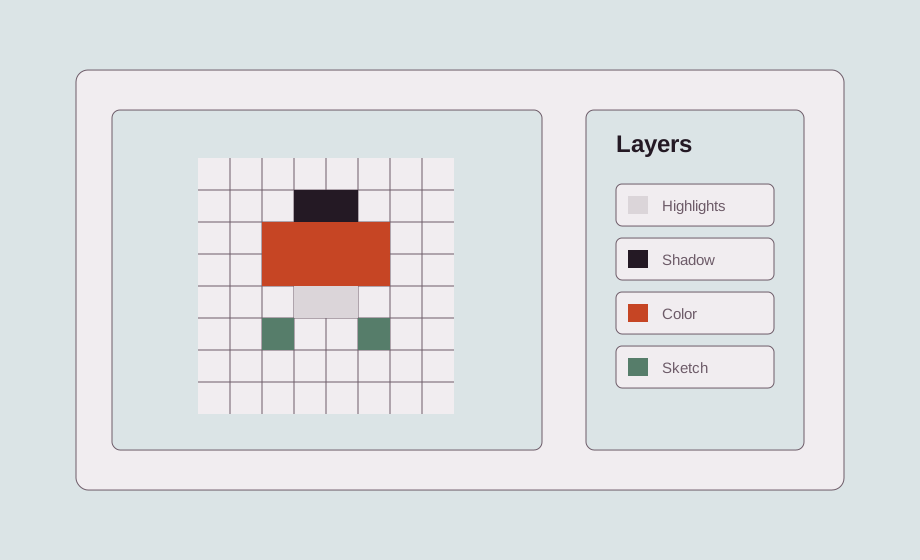
Layers make small assets easier to revise. Keep a rough sketch separate from flat colors, shadows, highlights, outlines, and effects so changes do not destroy the whole sprite.
You can work with layers directly in the browser. That keeps the workflow lightweight for quick drafts, game-jam assets, and iPad edits where opening a heavy editor is not necessary.
Layered editing helps with characters, items, UI icons, and small scenes. It is especially useful when you need to test color or outline changes quickly.
Generate a draft, then treat it as a starting point. Put cleanup, outlines, color fixes, and manual details on separate layers so the final asset stays under your control.
Flatten the visible result when you are ready and export a transparent PNG for Godot, Unity, web games, or another pixel-art editor.
Yes. Pixelart.to supports a layered editing workflow.
Layers help separate sketching, colors, shadows, highlights, and edits.
Yes. Export the final result as a PNG.
It is intended to stay simple enough for beginners while supporting practical editing features.
Start with the editor, generate only when it helps, edit the pixels by hand, and export a transparent PNG.
Create layered pixel art