Can I draw pixel art with Apple Pencil?
Yes. Pixelart.to is designed to support Apple Pencil drawing on iPad.
 pixelart.to
Apple Pencil pixel art editor
Pixelart.to gives Apple Pencil users a fast pixel-art drafting surface in the browser. It is built for small sprites, icons, game-jam assets, and AI starter sprites that you can clean up by hand.
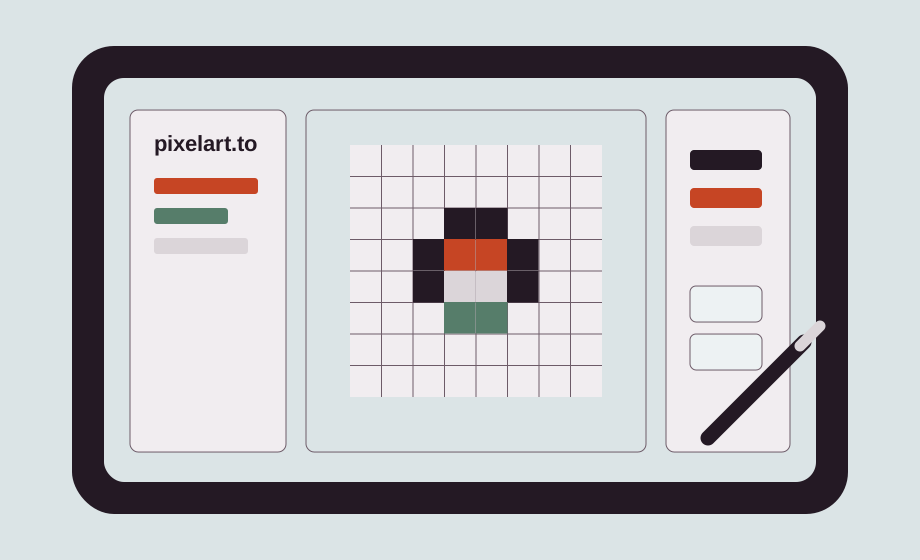
Use the Pencil for direct marks on the pixel canvas. Pixelart.to keeps the workflow focused on drafting, editing, and exporting small assets instead of opening a large desktop production setup.
Common sizes such as 16x16, 32x32, 64x64, and 128x128 are available from the app. They are small enough for manual control and large enough for game characters, items, avatars, and early scene drafts.
The best fit is quick asset work: character fronts, slime enemies, potion icons, inventory items, UI badges, and placeholders that help a prototype move forward.
AI can create a starter sprite, but the important step is manual cleanup. Treat the generated result as a draft layer or reference, then adjust silhouettes, colors, outlines, and transparent edges by hand.
Export a PNG when the draft is ready. You can import that file into Godot, Unity, a web game, Aseprite, Photoshop, or another editor later.
Yes. Pixelart.to is designed to support Apple Pencil drawing on iPad.
Yes. Open the editor in your browser.
Common sizes include 16x16 for icons, 32x32 for small characters, 64x64 for larger sprites, and 128x128 for bigger drafts.
Yes. Transparent PNG export is part of the workflow.
Start with the editor, generate only when it helps, edit the pixels by hand, and export a transparent PNG.
Try Apple Pencil pixel drawing