Is Pixelart.to an Aseprite replacement?
No. It is a fast browser-based scratchpad for drafting and quick assets.
 pixelart.to
Aseprite scratchpad
Pixelart.to is not an Aseprite replacement. Use it as a fast browser-based scratchpad for drafts, AI starter sprites, iPad sketches, and quick PNG assets you can finish elsewhere.
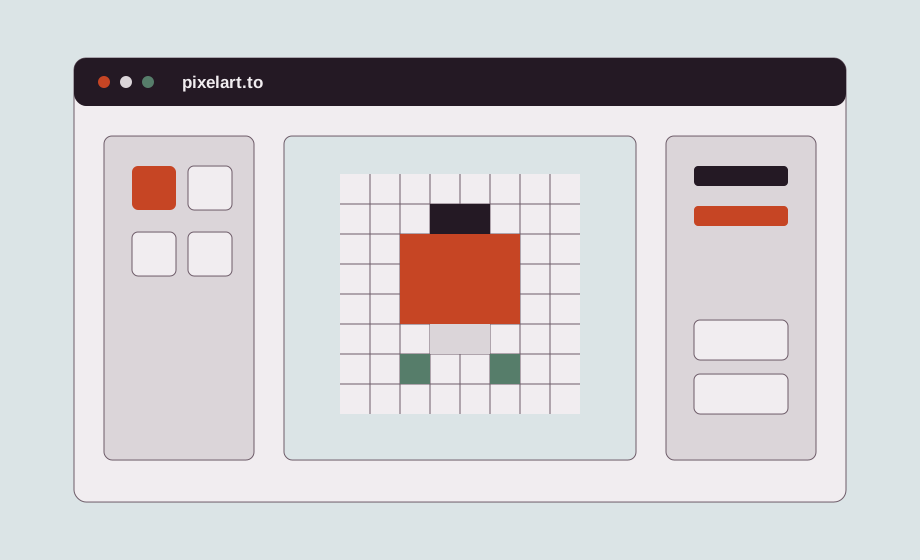
Aseprite is a professional pixel-art editor. Pixelart.to is a fast scratchpad for browser and iPad drafting, quick edits, and small assets that need to move quickly.
Open the editor and begin with a small canvas. The workflow is useful when you want to test a sprite idea before opening a larger desktop setup.
Sketch a character, icon, or item on iPad, then export the PNG and bring it back to your desktop workflow later.
AI can help produce a draft, but the final judgment stays with your hand edits. Clean up shapes, simplify colors, and make the asset fit the rest of your work.
Export a PNG and continue in Aseprite, Photoshop, a game engine, or another professional tool. Pixelart.to is the fast first pass, not the whole production pipeline.
No. It is a fast browser-based scratchpad for drafting and quick assets.
Yes. Export your artwork and continue in your preferred professional editor.
Use it when you want a quick browser or iPad workflow without opening a heavy desktop setup.
Yes. It is especially useful for fast drafts, placeholders, and small sprites.
Start with the editor, generate only when it helps, edit the pixels by hand, and export a transparent PNG.
Draft a sprite